2019年9月29日星期日

How to Increase Your Preschool Enrollment?

A preschool is a place for growth and enrichment for toddlers. For parents, it's so much more than that, so they're struggling with finding a good-enough preschool to help nurture their child. While, a preschool will try every trick in the book increasing child care enrollment, but sometimes still fails to find the answer. Among various ways to increase enrollment in preschool, here are our 7 best tips that have to been tried and tested by many preschools.

Ways to Increase Enrollment in Preschool
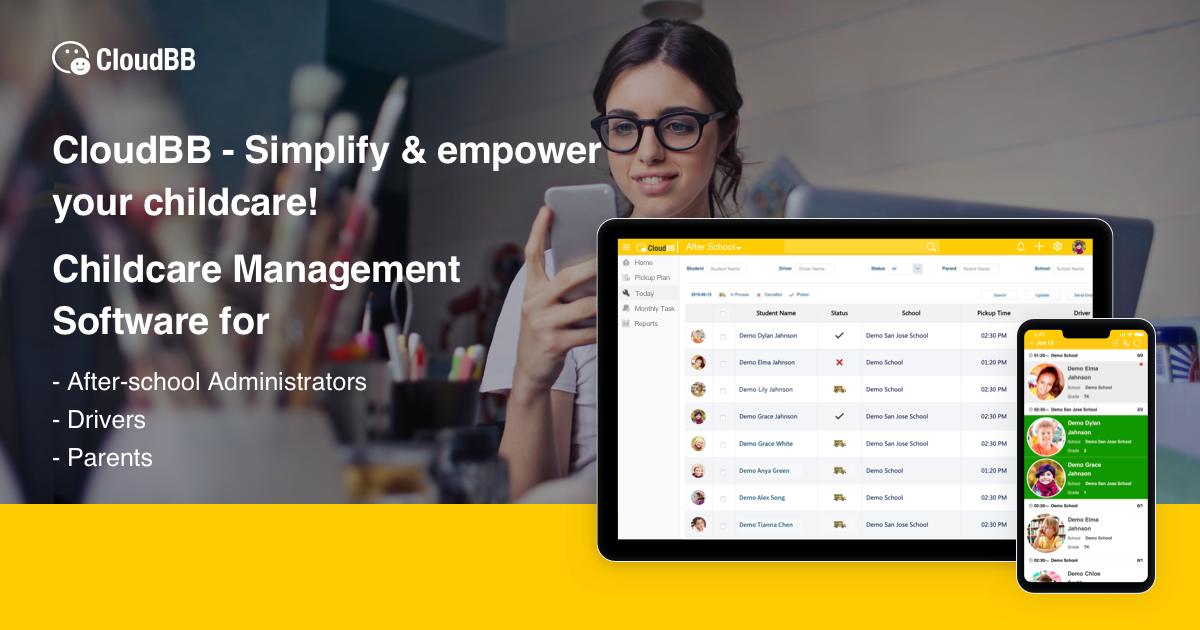
1. Marketing is one of the first key points in increasing preschool enrollment. Before actually walking into a school, parents like to know as much as they can about it. This makes both marketing and marketing well highly important. The need for spreading the word means that obtaining a social media presence and a website are obviously vital. Using social media in this instance can be a powerful tool for gathering information and building the trust of the public. Some childcare apps like CloudBB enable accurate marketing delivery to make it possible to improve your enrollment potential.
How to Increase Your Preschool Enrollment


2. Utilize the community in which you have decided to open your preschool. Each community is different and is in need of different types of providers. The differences could be in programs, languages, or hours of operation. Therefore, communities are always regarded as a good place to start with spreading word of mouth. You can also tailor your institution to what they need, therefore, helping in bringing more students to the door. Providing the closest community with as much information about the school as possible is also an effective way to attract more potential customers.

3. Choosing a certain niche for the programs that are offered can be a very powerful tool. Try to create specific programs. For example, taking only certain ages or allowing drop-ins are both great ways to increase enrollment in preschool. People are more likely to be drawn into a particular program or school when they feel that someone is great at one thing rather than good at many things.

4. Quality staff who will be teaching and taking care of children throughout the day is extremely important in putting how to increase enrollment in preschool into practice. Once parents are aware of the school management through various marketing tactics, they need to know that the staff they will be entrusting their children will treat them with love and respect. Any slip in the personnel value could cause parents to start leaving instead, and as mentioned, word of mouth is a very powerful tool for any business, especially a school that is taking care of the most precious gift, children.

5. Open communication with parents may not have a direct effect on your enrollment numbers at the very beginning, but it can have an unthinkably great impact on parent satisfaction, which can lead to more referrals down the road. When it comes to finding ways to increase enrollment in preschool, parents can have a strong opinion on how often they are able to communicate with the school and how easy it can be. Attempting to communicate during drop off and pick-ups for children is not always the best time to have a discussion with a teacher, and parents appreciate being able to contact the teacher with any concerns they may have in a timely and easy fashion. Fortunately, childcare management software like CloudBB helps you engage your families with digital photos and updates of their child while allowing you to better manage your preschool classroom, record activities, track student progress, etc.

6. Offer competitive plans for your programs, though do not undervalue. Pricing will require some researches to be performed to ensure that the community you are marketing to is able to pay the prices that are set for the program. Though, of course, like any other learning institution, a preschool will be in need of funds. It would be much more appreciated if a preschool will off prices that the wider community can pay as opposed to just a select few.

7. Adopting the CloudBB Preschool Enrollment Software can help you put tips into action. This is a wonderful program that answers the question of how to increase enrollment in preschool, or rather any school. The software offers the school ways in which to work on their marketing, communication and programs.

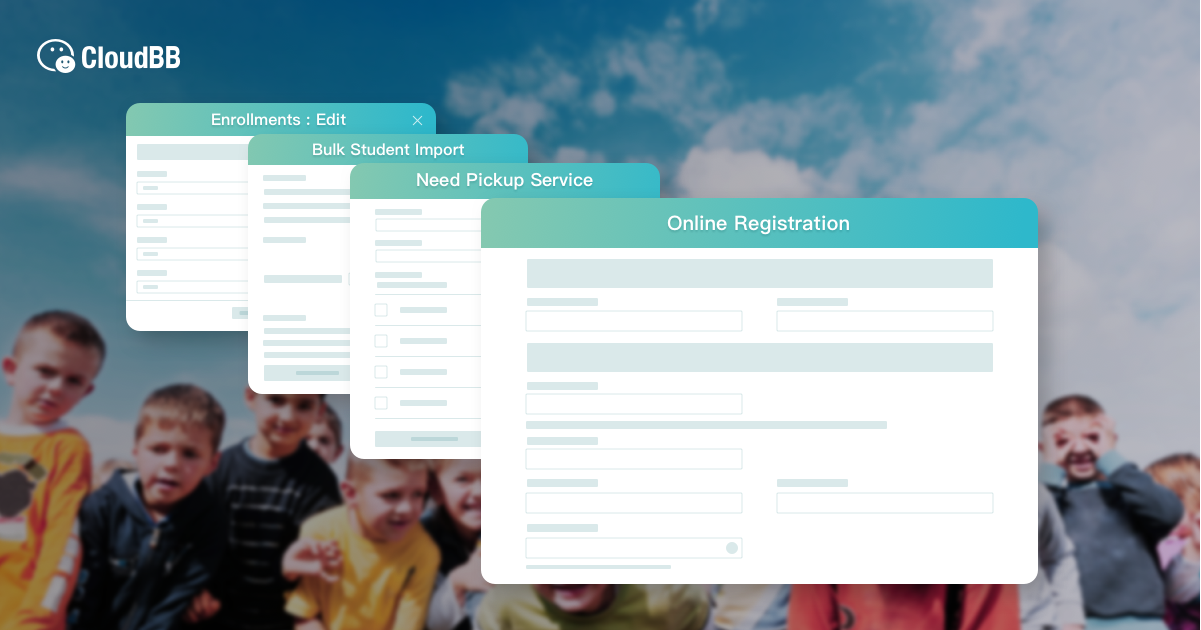
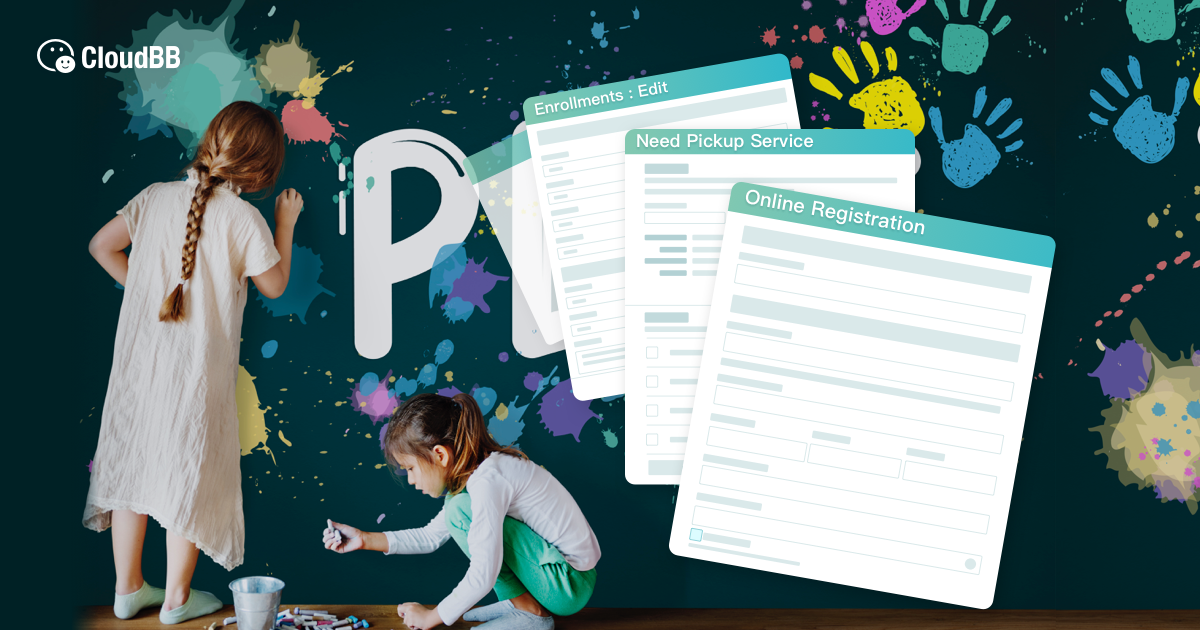
The software has the ability to analyze website visitors and track them until they have enrolled, assisting in conversion numbers. The CloudBB online registration system provides a seamless way for parents to enroll their children through a custom enrollment form as well as a parent interface that allows them to view the class listing, for example. CloudBB also assists in optimizing marketing potential via planning an open house, creating promotion campaigns through various channels, ROI analysis, and tracking of potential enrollment just to name a few. CloudBB works as a hub within the school as well as between the parents and the school concerning every aspect of the child's preschool career. It makes the experience smooth for both school and parent.

Conclusion
Just as many other businesses, growing a preschool and its enrollment requires work and sacrifice, though the various points mentioned above are a great place to start in the effort of maintaining that growth. The question for how to increase enrollment in preschool is one that many preschools have asked and will most likely continue to do so until they are able to find that one thing that will work the best for them. Last but not least, it is wise to invest in CloudBB software which can simplify the process and become a comprehensive tool to use from the first step of enrollment, all the way to the last step of a child's preschool career.

Related Articles

2019年9月22日星期日

Best Free Membership Management Software

Membership management software is very important to any business, especially in childcare services. They help you save time and money while adding extra layers of security and reliability to your operations. Membership management software helps you automate repetitive and administrative tasks. You no longer have to spend valuable time chugging through paperwork, you can now focus on your core childcare business. In this article, we will be going over the best free membership management software for childcare centers.

1.CloudBB
CloudBB is one of the best creative child care solutions around. It is a cloud-based system tailor-made to help childcare services manage their registration process, schedule pickups for kids and monitor when members check in-out. CloudBB provides an all-in-one platform that can drastically improve your efficiency. The best part is that you get to use the software in all its glory for a whole month without paying a dime.


Key Features
1. CloudBB makes the process of acquiring new customers a breeze. Parents who want to register their kids to your service can easily do so online, owing to CloudBB's powerful and easy-to-integrate online forms.
2. You no longer have to play the guessing game, as CloudBB keeps a comprehensive record of attendance. You can always tell who showed up and who didn't. This information helps you to accurately bill your clients for the service they need.
3. CloudBB handles ALL your payment needs. CloudBB helps you automate your childcare invoicing, receive payments, set up recurring payments and notify your clients of any outstanding payments.
4. CloudBB customer support team works 24/7 and is available at any time to help you resolve any issues you may encounter. You probably won't be needing customer support because CloudBB is tested and guaranteed to perform.
5. CloudBB comes with a bunch of powerful marketing features like open house planning, helping you acquire more customers. Using the CloudBB software, you can set up campaigns and monitor how they perform and then adjust your strategies for better conversion.
6. If you run a pickup service, CloudBB makes it easy for you to manage a fleet of drivers. You can easily send updates to both drivers and parents all in real time even via mobile devices.

2.BrightWheel
BrightWheel provides a free childcare management system for daycares, preschools, camps, and other childcare organizations. Using BrightWheel, administrators can easily assess the kids, communicate with parents, set up payments and lots more.

Key Features
1. BrightWheel keeps a comprehensive digital attendance, parents can digitally sign in their kids when they drop them off.
2. Teachers can share moments with parents through pictures.  
3. BrightWheel provides secure storage for parents and kids information.
4. BrightWheel lets you monitor the progress of the kids by providing comprehensive reports.
5. You get comprehensive daily reports that contain notes, images, videos. There is also a record of any mishaps that occurred during the day.

3.Kaymbu
Kaymbu strives to connect families by providing a software solution with awesome sharing capabilities. Childcare administrators can share photos, videos and documents with parents, parents can access them on the go using a mobile app. Sweet!

Key Features
1. Kaymbu lets tutors share notable moments from the preschool classroom straight to the parents. All in a private messaging interface.
2. Kaymbu provides systems to help track student development and then share important information (milestones) with parents.
3. Kaymbu lets you create yearbooks, student portfolio, school portraits out of the images taken during class.
4. Administrators send from within the Kaymbu software send broadcast messages to all the members of their staff.

4.Kinderlime
Kinderlime is designed with the small and medium scale childcare service provider in mind. It is very easy and intuitive to use. It aims to eliminate the hassles of dealing with paperwork to get basic administrative tasks done. The ability to send images to parents, record nap times, meals, diaper changes, electronic sign in-out functionality, and track employees' time on the job makes Kinderlime one of the best childcare management software out there.

Key Features
1. You get 24/7 customer support.
2. Parents get access to photos and videos detailing the activities of the day.
3. Parents digitally sign in and sign out their kids when they drop them off or pick them up.

Benefits of Using Such Best Free Membership Management Software
Still on the fence as to whether to adopt a membership management software. Here are some reasons why getting one is a no-brainer.
1. It saves you time and money
Using a membership management system saves you time and resources that would have been spent on administrative processes. It combines activities that would have been handled by different departments into one cohesive platform.
2. Parents get to be a part of kids' development.
Membership management systems give parents the ability to monitor how their kids are developing while they are at school. As a parent, if given the choice between being able to monitor your kids or being left in the dark, which would you go for?
3. Safe and Secure
The data shared on these platforms are safe from unauthorized access, unlike other web-based solutions.

From all evidence, nonprofit membership management software is an extremely valuable asset for any business that wants to optimize its processes and grow its business. They are no longer as expensive as they once were. You can get a membership management software for your business for free!
For TEACHER/DRIVER>> BB School App
For PARENT>> BB Parent App

Related Articles

2019年9月17日星期二

How to Build Child Care Enrollment Forms

When it comes to running a childcare center, acquiring correct information, and the right kind, is an essential part of running your business. You want to collect accurate information from parents and guardians quickly and easily. To obtain this information, you need a child care enrollment form. An enrollment form is given to parents to fill in essential data about them, their children and the kind of care that they'll want their kid to receive. Fortunately, there's an abundance of free child care enrollment forms available online provided by some childcare software like CloudBB that is easy-to-use and can be customized to fit your specific requirements.

How to Build an Effective Child Care Enrollment Form
The first thing you should note that the enrollment form is perhaps the first document or material that a parent will see after your marketing materials. So, after doing your best on marketing, whether on or offline, your child care center enrollment forms that immediately confirm to the parents are more likely to attract them easily.
Here are a few useful tips on building an excellent child care enrollment form:

Collect Basic Info
As basic as this may seem, you'll be surprised at how many centers fail to ask one or more basic questions on their enrollment forms. You need basic information about the child like Name, Date of birth, Age, Gender, existing medical conditions and allergies (if any). The basic information you require also include details of the guardian/parent. Name, contact info, relationship to child and so on should be asked. Also, for security purposes, ensure that the parent creates an authorized pick-up list or pickup plans. As for CloudBB, pickup plans will be generated automatically from the online registration form directly so that staff, admins, or parents can easily bulk check or update pickup plans for each enrolled student on a single page.

How to Build Child Care Enrollment Forms

Showcase exceptional child care
The kind of information that you ask tells the parent/guardian how good you are and how much you care for the child. Questions like the guardian's relationship to the child, any other guardian's details, as well as who should be called first in the case of any emergency show that you can be discreet and can help you avoid compounding an already complicated situation, such as a messy divorce or custody battle.
Also, ask about the child's emotional state, is he/she potty-trained, play well with others, etc. Asking these questions solidifies in the parent's minds that you care about their kid and that their child is in safe hands.

Collect Medical/Health information
Apart from basic medical information, ask for any further necessary medical information, such as pediatric information, which includes Doctors' name, phone number and address.
Legal Information: Lastly, you want to add a few lines of legalese, a good tip would be to stay as simple as possible. No one likes long text of legal speak, so keep it short and straightforward.

Bonus Tip!!
 Given that the world is going digital, having an online enrollment system is an advantage. It pairs well with online advertising, just put the form on your website, and you're good to go. CloudBB's Childcare Management Software here is easy-to-use, flexibly customizable and extremely efficient.

CloudBB Child Care Enrollment Software
If you need to create free child care enrollment forms, both online and offline, CloudBB offers excellent child care center enrollment software. Here's why you'll definitely love it.

Best Tool to Build Child Care Enrollment Forms

√Convenient
With CloudBB's child care software, you can get parents to register from any location. This makes it an ideal choice when considering advertising digitally. For example, a simple Facebook ad can get a parent to your website where they'll see all your services. With an offline child care enrollment system, however, you have to schedule an appointment with the parent and hope they'll make it, which is unlikely, seeing as they haven't made that much of a commitment. With CloudBB's child care enrollment forms embedded on your website however, the parent can register their child and from there are more likely to contact you and enroll their child with you.

√A great time-saver
When dealing with your clients, you want to ensure that you are as swift as possible. What's more, it also saves you the time of compiling and editing your database over and over again. You don't have to do any compiling, once you set it up correctly, the data is entered, it is sorted automatically, presenting all the available information in the exact format you want.

√Incredibly accurate
The last time you collected a bunch of information offline, remember your worries about mistakes and how you had to double and even triple check each entry to make sure it was correct. Well, CloudBB's system removes that fear by making sure that each digital entry is accurate and is free from human error.

√Assists in Childcare Management
With an online database such as the childcare enrollment forms and software offered by CloudBB, many aspects of your childcare center can be automated, freeing up your schedule to actually care for the children. For example, the contact information can easily be gathered and inputted into a CRM to help with managing parents. Whether it's communicating with them, sending their child automated birthday messages, and other pieces of information. CloudBB makes your job easier.

Conclusion
Obviously, you can get twice the result with half the effort if you can use the way suitably. What cannot be ignored is that CloudBB takes care of the other stuff so that you can focus on what's really important, caring for the children. Don't hesitate to visit CloudBB.com to discover such an amazing tool that can make managing your care center a breeze.

Related Articles

2019年9月16日星期一

Best Free Preschool App for Preschoolers

Preschool teachers and parents of preschoolers do a lot of work. Preschool teachers are real-life superheroes. Having to manage 3 - 4-year-olds is no easy feat; it requires a level of calmness and proper planning to successfully manage preschoolers.
One of the perks of living in being in this generation is the ease technology has brought for us. You can do so many things if you are digitally savvy. One of such benefits is the creation of preschool apps - you can now find apps for preschoolers, preschool teachers, and parents of preschoolers. These apps help to ease the job of preschool teachers and parents, as well as create enough fun for preschoolers.

Here are some of the best free apps for preschoolers management.

Best Free Preschool App for Preschoolers

Sandbox
Sandbox daycare software helps users manage their center operations by assisting them in automating functions such as record keeping, payment processing, managing attendance and handling communication with parents.

Features
- Child immunization reminders
- Online payments
- Billing and payment processing
- Automated billing mode

Pros
- User-friendly
- Record keeping
- Payment processing
- Communication with parents

Cons
- Occasional app freezes and slow speed
- Errors may occur if children share the same name

CloudBB Childcare App
The CloudBB childcare app is designed for after school and childcare center educators. It is an app designed for the effective running of day-to-day activities, as well as the safety of the children. The CloudBB childcare app secure student pickup system ensures that students are picked up safely and promptly.

Best Free Preschool App 

Features
- CloudBB makes it possible to fasten the online registration and enrollment process for preschool centers by minimizing enrollment data entry. It is more accessible to check-in and out with the app for parents and guardians of the preschoolers as they can complete check-ins within seconds.

- For parents, CloudBB preschool app helps you to keep a tab of your child's day, as the teachers can share student activities and precious moments via the CloudBB app.
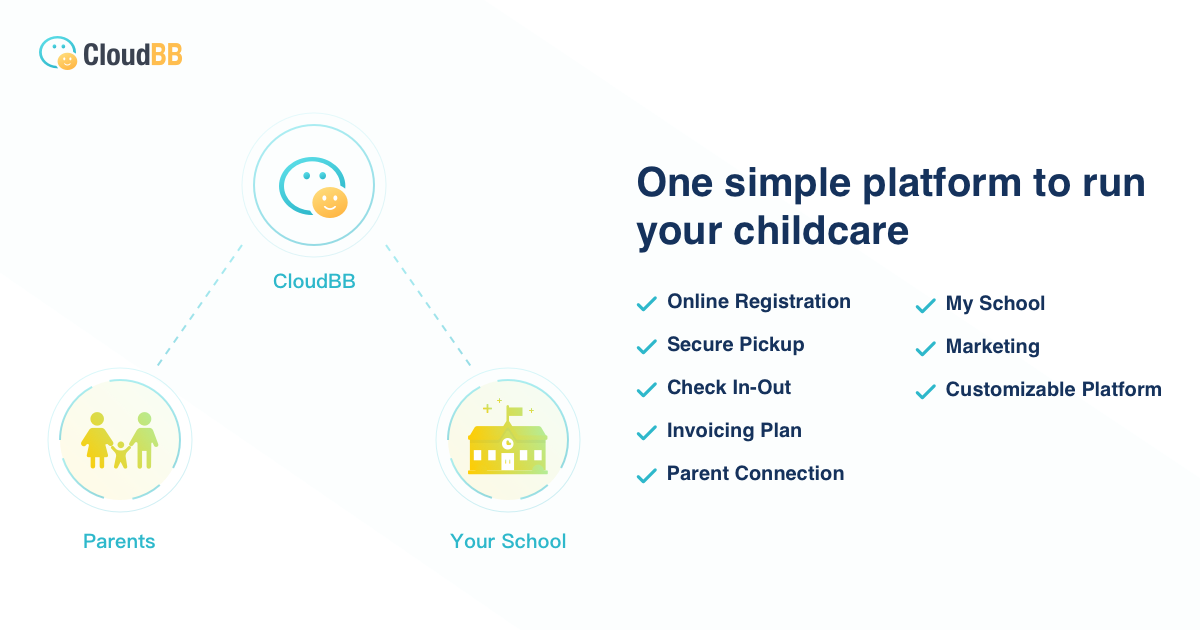
- What makes the CloudBB one of the best preschool apps for educators is the improved efficiency and accountability it brings into the whole process. Features like online registration, invoicing, open house planning & marketing, secure pick-up process, check in-out systems, parental portals, activity feeds, etc. are available to improve your preschool management.

- CloudBB childcare app offers a customizable platform where you can simply drag and drop applications to manage your school's information. You can create new objects, rules, fields, and workflows easily.
In a word, CloudBB must be the best free preschool app for preschoolers you can find out around, as it makes preschool management a breeze.

Pros
- Save time on data entry
- Multiple useful and practical features to simplify the management process for preschoolers
- Easy to use and manage
- Seamless connection among the stakeholders
- Do more than just enrollment
- Free trial version and free sign up available to cut the cost

EZCare
EZCare, a childcare tool, comes with different functions such as scheduling, billing, enrollment, and parent engagement. It has a parent portal and mobile app to help family engagement. It is an app that manages all your time-consuming administrative tasks and enables you to focus on other things. EZCare can help you enhance your programs, boost enrollment, as well as help your staffs in getting their job done.
Ezcare is one of the preschool apps that can help you with record keeping, accounting, and a host of other functions related to childcare.

Features
- Registration and enrollment
- Online billing and payment processing
- Payment Portal
- Scheduling and attendance
- Data management, reporting, and accounting

Pros
- User-friendly
- Great customer service
- Online payroll, registration, e-payments

Cons
- Its add-on features require more payment from users
- Is unstable, especially the reports feature

Kinderlime
This preschool childcare app is good for after school programs, daycare centers, and many things related to childcare. It is one of the best iPad apps for preschoolers, and you can also find it on android devices. It can be used for sending videos, newsletters, photos, and other types of messages you want to send to a parent or guardian.

Features
- Staff Timececard that can be automated to payroll
- You can digitize your sign-in and sign-out with a one-touch mobile solution for staff and students
- Used to track staff time clock and connect them to payroll easily
- Used for parent billing, as parents can pay online with low transaction fees
- Capture daily activities of preschoolers and send message to parents, maintain a good connection with the parent

Pros
- Great customer service
- User-friendly
- Parents get alerts about the daily routine of their child via email

Cons
- Sign-in and sign-out corrections can get tricky
- Not enough features

Benefits of Using Preschool Apps
It is not easy to keep track of preschool students without a high level of coordination. The introduction of some preschool apps has helped preschool teachers and educators to now manage activities around the class/school with less stress. Incorporating digital activity planning will make the job more straightforward and easier to manage.

Also, numerous apps that have helped teachers in developing new teaching methods that have proven effective in the student's learning process.

Another benefit of preschool apps for educators is easy documentation. There are so many observations that need to be recorded daily, the introduction of childcare apps has made it possible to be more accurate with the reporting and documentation. All you need to do is a few taps on the app to record and document these observations.

With childcare preschool apps, it is also easier for child care managers to send billing and get payments from parents, as It is an automated process that requires no stress from both sides.  Communication with parents will also improve with the use of these preschool apps.

Final Word
We should be grateful for the development of these preschool apps. Many education-based apps have helped educators run an effective system and make better decisions. Parents now have better ways to monitor what their kids do in school, while the students have found better ways to learn every day regardless of where they are.

Related Articles

2019年9月9日星期一

Top 4 Creative Child Care Solutions in 2019

No matter as parents or school administrators, it is their responsibility to ensure the security and protection of each child. That's where you must go ahead and take a look at the most creative child care solutions. You are having a tight schedule and you might feel that caring for the kids is not the easiest thing that you could do. In such a situation, all you have to do is to take a look at these creative child care solutions. They can help you to cater to the needs of your child care while making your life easy.

Let's go ahead and take a look at 4 of the top creative childcare solutions out of them. You can go through this list and pick the most appropriate one out of them, depending on your requirements.

Top Childcare Solution for Childcare Centers

1. Kindertales
Last option in the list of childcare management solutions is Kindertales. This solution has the ability to empower teachers, students as well as parents. It can effectively track attendance as well as staff hours to provide reports related to ratios. Likewise, many other useful reports will be offered.
Parents who use Kinder Tales can go ahead with classroom observations at any given time of the day. Along with that, they can also activate daily activity tracking capabilities. Through this feature, they can track and share all sorts of activities, including naps, meals and diaper changes. It provides customizable staff messaging solutions as well. Hence, you can easily ensure the flow of information.

2. CloudBB
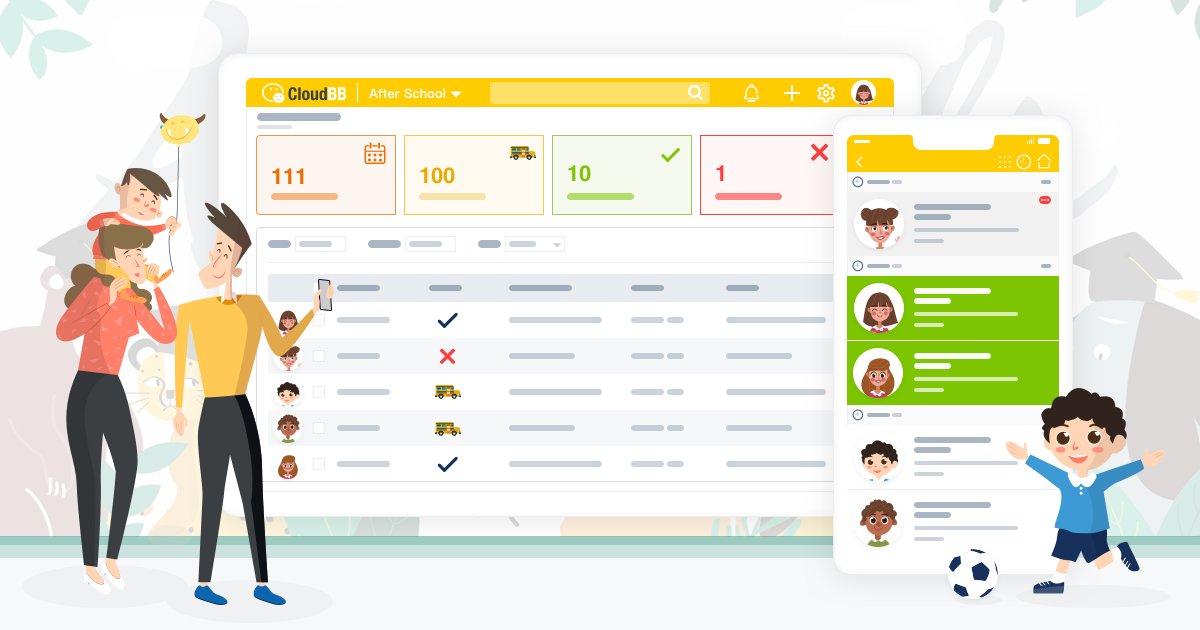
CloudBB is an innovative solution, which can ensure smooth communications and collaboration of work between parents, drivers and after school administrators.

CloudBB Child Care Solution 

A parent who sends off the child to an after school center will be able to stay connected and see what's happening throughout the day. Parents will also be able to get instant notifications when the child is picked up from school securely. Besides, it can help parents to figure out check in and check out related information in learning centers.

CloudBB can also act as a comprehensive management system for childcare centers and schools. They can update all child-related information even including pickup-info to the system and make them available for parents. It is possible to not only capture, convert and track your web visitors in one place with its online registration system, but also create and manage invoices with custom items while minimizing data entry by reproducing invoice plans as well.

Sometimes, CloudBB is also regarded as one of the powerful child care marketing solutions. Its open house marketing service let you plan open house successfully and effectively to enhance your activity enrollment volume.
Hence, parents, students and school admin staff will be able to keep the peace of mind while using the system at all times. Everyone can tailor the solution offered by it to cater to specific needs.

3. Himama
When you are taking a look at the list of best community child care solutions, Himama is one of the most prominent options that you will come across. It is a complete preschool management system, which can simplify the childcare management process.
This preschool management solution comes with scheduling, attendance management and reporting capabilities. In addition to that, it provides digital daily sheets related to naps, meals and activities. The ability of Himama to manage student billing and staff ratios is impressive as well. On top of everything, Himama can provide real-time video and photo updates to the parents. Hence, parents can easily see what's happening throughout the day.

4. Sawyer
Sawyer is a tool designed and developed for the use of activity providers of children. In other words, it can deliver an enhanced experience to after school programs, class providers, and development classes. It is a comprehensive and an all in one school management software.
Along with Sawyer, you will be able to get your hands on a large number of customization features. They can be used to facilitate school management with ease. Messaging, scheduling and making payments via Sawyer can be done with ease as well. On the other hand, the powerful scheduling tools that come with Sawyer can assist an admin to plan activities in a better way and automate most of the tasks. Some examples for tasks that can be automated with Sawyer include online registration, camp management and invoice processing.

Final Words
We went through four of the most powerful and popular child care solutions available out there. You can simply take a look at these solutions and figure out what the best option out of them is. Then you can get your hands on the solution and enjoy all the benefits that come with it.

Related Articles