2019年8月28日星期三

How to Make a Lesson Plan for Day Care Teachers

For every childcare center teacher, the main aim is to get their student attention while they teach something. Thus, it is necessary that as a teacher you plan the curriculum or something that helps in doing that is lesson plans. When you are able to write a lesson plan effectively, you can address the requirement of the curriculum and design your course of teaching properly. It helps in planning your teaching time effectively and teaches strategically.
Here are the most useful tips for day care teachers to help you with how to make a lesson plan.

Understand Your Objective
Before you start working on the lesson plan you should be clear about your objective. A good idea is to write the lesson goal at the top of the plan and then draw a flowchart on how to achieve that goal within a particular time frame while you think about how to lesson plan for better school management. The ultimate goal of the lesson plan should not just be delivering the study matter, but also ensure that students learn from what is taught to them and apply that in their real life.

Prepare an Overview
You must have an overview of the portion that you are planning to cover in a particular class. Presenting it to the students in the class will make the students take an interest in what is taught to them and they will get a better environment. The students will also have an idea about what is to be taught to them.
How to Make a Lesson Plan with CloudBB

Strategize Your Timeline
For every lesson plan to be successful, the timeline must be planned properly. It will help you to execute the lesson on time and effectively. You can break up the whole thing into different sections depending upon the total time of the class that you will be taking. Like, if it is a class of 1 hour you can break the whole lesson into 4 sections of 15 minutes and so on, depending upon the topic you are planning to cover. Managing time effectively is the most important.

Understand the Need of Your Students
Early childhood education teachers require knowledge of their students' development stage. Before you finalize the lesson plan, you understand your students properly. How much do they know till date? What technique of study will help you in getting their attention during the class? Which part of the lesson will need some extra explanation for your students?
Moreover, you must understand that your whole class will not have students with the same level of intelligence. You need to plan everything in such a way that you can concentrate on the weak students too. Explain things in such a manner that even weak students get what you are telling them.

Include a Variety of Learning Styles
The learning style should be varied so that there is no boredom amongst the students. You should not teach in a monotonous way that will surely invite boredom. Covering a huge topic should not be the motto of planning the lesson plan. Instead, you must chalk out the lesson plan in such a more effective way; the lesson plan can be a mix of verbal, aural, kinesthetic and visual learning style. You can also include infographics show to explain the topic better. All these help to keep the children focused and interested in the content.

Make Full Use of Child Care Software
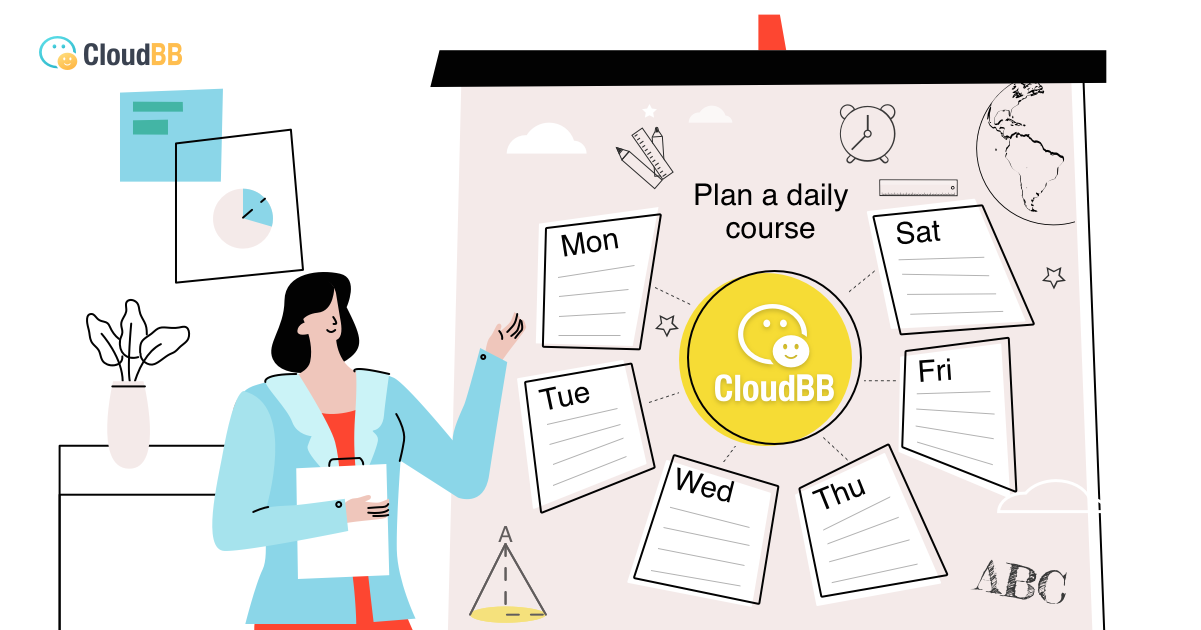
While you are working on how to do a lesson plan, you must use childcare software that will guide you and help you in making your lesson plan effective. Getting an application like CloudBB will be very effective as in its ‘my school’ section you will get ideas about how to make a lesson plan. You can also design your lesson plan there effectively with focused skill objectives in different topic categories to make sure students are receiving proper educational development. Also, it is possible to not only add lesson plan details by dragging and dropping the lesson name to an available room, but also arrange each lesson in rooms with non-conflicting availability times. Besides, you can access the class schedules overview within a few clicks. More features are available as long as you begin to adopt it via free BB School App download!
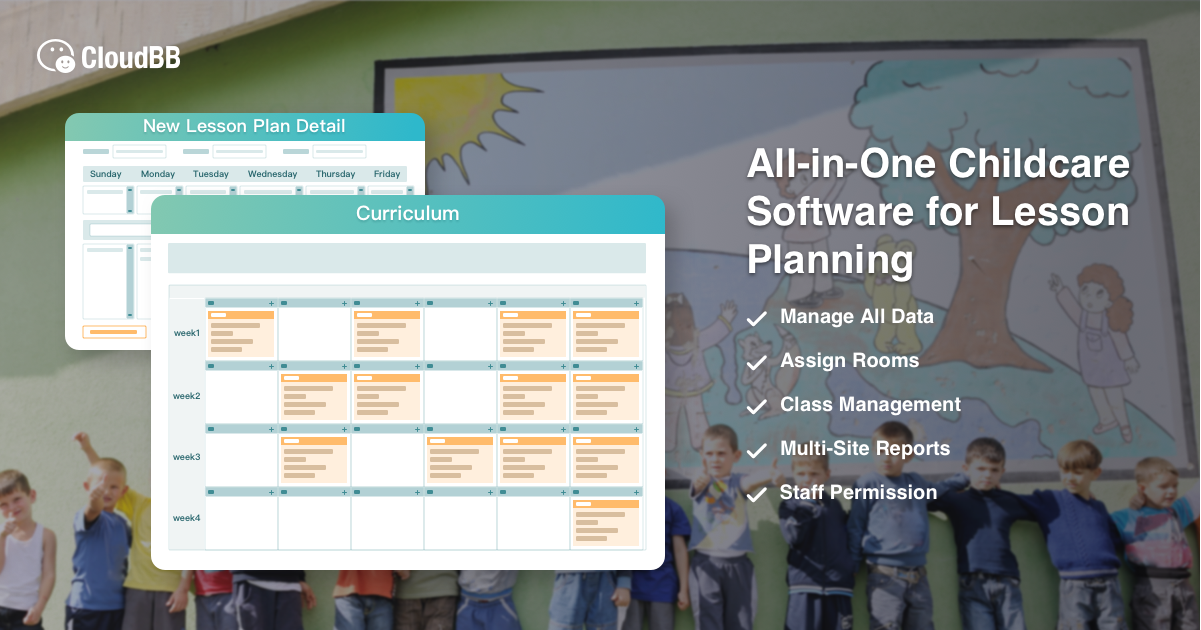
All-in-One Childcare Software for Lesson Planning

Apply Diverse Student Interaction Patterns
While you create the lesson plan, you should keep plans for student’s interaction. Interacting with students will increase the effectiveness of your teaching. It may include varied things like group discussions, case studies, friendly debates or even virtual field trips. The students should participate while you are teaching. Asking them to read aloud or share something that they have understood will be better.

Proper Closure of the Lesson
Just the way to plan how to make lesson plan and start the lesson it is necessary that you also plan on how to close it in the right manner. A good closure of the lesson plan will ensure that every student present in the class knows about what is being taught to them. They have ideas about the things that are covered during the session. Make sure that you leave the last few minutes of the session for friendly interaction with your students. This way you can understand that whether they were able to get the topic that you have shared or not.

Conclusion
Making a lesson plan for every daycare teacher is not simple, but if you work with proper tools then you can do that effectively. Always remember to keep a backup plan so that in case there is some issue with the present lesson plan you know how to lead your teaching session.

Related Articles

2019年8月26日星期一

4 Best School Management Software 2019


Early education providers and teachers are increasingly becoming aware of the benefits of using school management software. A school management system is more than just a technology application. It is an improved way of managing the daily activities of an educational establishment and making communication and connection among teachers, staff, parents and children easier.

Here are the best school management software for preschools, childcare centers and summer schools with detailed analysis.

1. Brightwheel
Brightwheel is a popular management school software designed for preschools, daycares, after-school programs and camps. The platform offers different functionalities for parents, teachers, and administrators.
Features
i. Real-time newsfeed - teachers can take pictures during class and record daily activities (either in real-time or at day's end) and share with families. The real-time feeds help parents to get updates on their child’s activities through photos and notes.

ii. Digital sign in-out for both students and staff - This feature allows parents to check their child in and out easily and more conveniently.

iii. Spot check feature for seamless attendance tracking - allows teachers to take quick headcounts while in the classroom. Administrators then use this data to review class attendance reports for billing, licensing, and other management uses.

iv. Autopay - parents can opt to use autopay to save on transaction charges and reduce the overall cost of education or after school care for their children.

v. Paperless school management - Brightwheel is one of the best school management software for digital child assessments, online enrollment, automated reporting, robust parent communications, paperless billing, and safe pick up and drop off. It allows you to avoid the pain of manual work so that you can focus more on improving the learning experiences of the children.

Pros
i. Easier childcare management of student attendance
ii. Teachers find it super easy to use in classroom
iii. The app makes communication between teachers and parents quick and more effective
iv. It’s easier to keep track of student attendance and absences
v. Live feeds can help parents who need to keep up with their child’s eating
vi. The calendar keeps everyone updated on important dates

Cons
i. There’s no way for the director to message staff members collectively
ii. Teachers cannot upload photos from a computer to the app
iii. The app requires Wi-Fi to function, which means it can be a hassle on field trips or other outings

Brightwheel Pricing
Brightwheel is a subscription-based system. The package you choose depends on the number of students and number of locations. Pricing ranges from around $40 to $200 per month. Brightwheel also offers a 30-day trial.

2. Sawyer
Sawyer was developed by and for children’s activity providers. It is perfect for children’s class providers, after school programs, development classes and camps geared towards children and families.

Sawyer School Management Software Features
i. Sawyer software for schools management with unique customization features makes it suitable for a wide variety of users.

ii. Scheduling, messaging, and making online payments is seamless with this school management software.

iii. Powerful scheduling tools help admins to plan activities better and automate tasks such as classroom and camp management, online registration and invoice processing, instant communication with parents.

Best School Management Software with Online Registration System

Pros
i. Easy to use. All parents even with no technical knowledge can navigate it.

ii. The innovative user interface makes scheduling for after school enrichment programs and summer camps so easy.

iii. Pleasant child enrollment experience
iv. Parents can view available drop-in classes for local activities, schedule an entire semester, read reviews, and pay for everything via Sawyer.

v. The app syncs with parent’s Google or Apple calendar and populates their schedule with their kid’s school activities.

Cons
i. Some users do not like the way the system outputs data on an excel spreadsheet.
ii. It can be frustrating to make class scheduling changes while some users need to ask for customer support several times.

Sawyer Pricing
The starting price is $0.01/month and pricing is a per transaction fee. You get a free demo, training, and support.

3. CloudBB
CloudBB wins a place as the best school management software. It is a secure and organized cloud-based childcare and after school management system, which comes with a lot of excellent features to run your childcare and afterschool program in the new efficient way. It helps with student registration, class enrollment, student check in-out, driver pick up scheduling, etc.

CloudBB Features
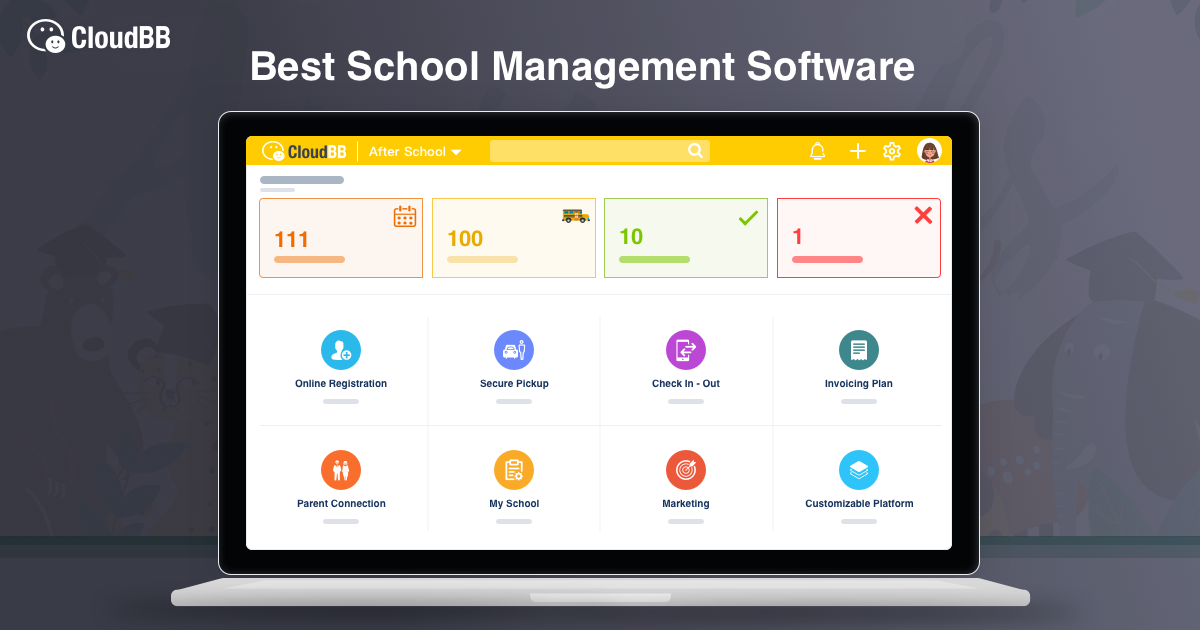
i. “My School” feature is available to help manage after schools, daycare centers and even summer camps. You can:
a) Manage all student, family, enrollment and pickup plan data efficiently.
b) Assign rooms to track where students and staff are signed into effectively.
c) Push classes on your online registration page for systematic class management as you want.
d) Send useful reports for pickups, attendances and more easily.
e) Assign different roles and profiles to staff flexibly.

ii. The digitized check in-out feature helps to keep tabs on students in school and in after school locations.

iii. Its parent portal makes it possible to enter their contact details, view class listings and enroll their children for relevant programs.

iv. Administrators can use the student pickup functionality to create pick-up schedules and automatically send notifications to drivers and parents through SMS and email. The software also features attendance tracking, reporting, and marketing functionalities.

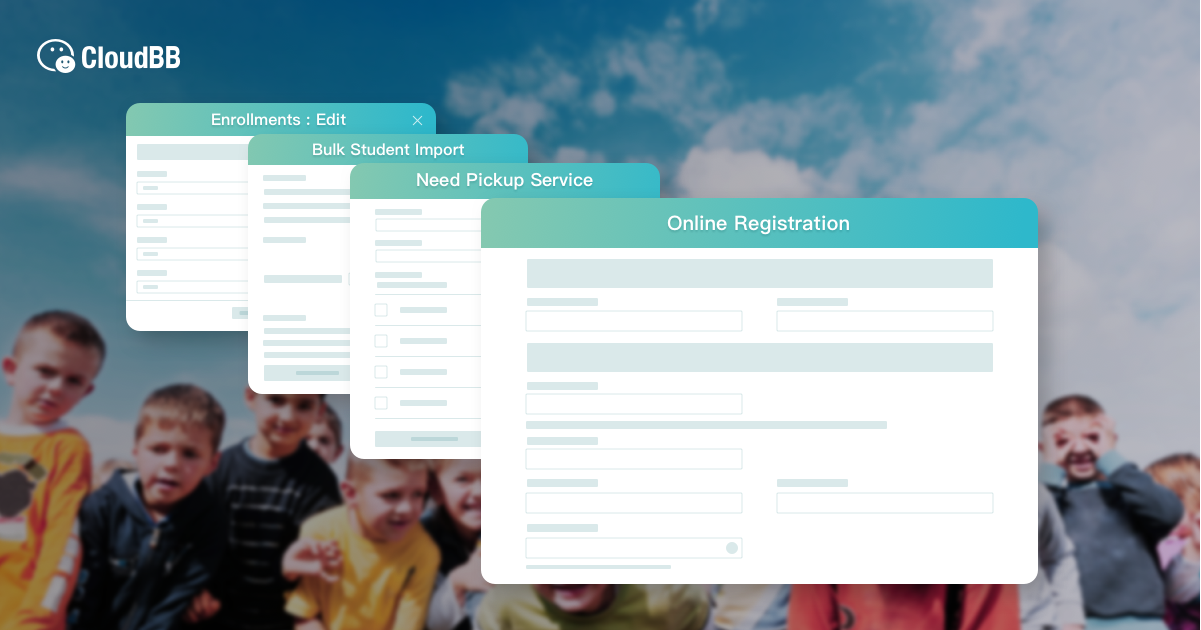
v. Online registration provides a reliable way to track all your enrollments in one place. Convert and track them until they have enrolled.

vi. CloudBB empowers to create personalized items and tailor your invoice to specific schedules. Minimize data entry by reproducing invoice plans.

vii. CloudBB allows for deep customization when creating daily, weekly or monthly schedules. Additionally, the “open house” feature helps to improve enrollment volume by capturing more students in the enrollment wait list.

Best School Management Software

Pros
i. Platform is customizable to each school’s needs.
ii. Digitized pickup and check in-out
iii. Fully automated invoicing plans
iv. Very secure and easy-to-use mobile-friendly platform
v. Enables easy and more effective communication with different groups
vi. Automates the tracking process of school transport
vii. CloudBB provides timely support via live chat and phone. Tech support is almost always helpful and quick to respond.
viii. More dedicated apps for different stakeholders - schools (BB School App) and parents (BB Parent App)
ix. Both free trial with multiple practical features and paid version with extremely cost-effective price.

CloudBB Pricing
Pricing plans range from $1.50 per student per month for 20-100 students to $0.70 per student per month for over 1000 students. You can also try a FREE DEMO or free sign up for a 30-day trial to help you see whether the software can offer what you need.

4. Smartcare
If you are searching for a top-ranked cloud-based child care system, Smartcare is such a platform that connects parents and the childcare center in real-time. The web-based and mobile-friendly interface enables highly optimized child care and collaboration between parents and care providers.

Features
i. All-in-one child care center management - the app allows you to track a child’s attendance, educational progress, meals, and even immunization and allergy history.
ii. Parents can track child’s activities in real-time using videos and photos.
iii. Child and family tracking - this feature helps to store family contact details and monitor the child’s progress. It is also important for billing purposes.
iv. Important alerts - including staff and child arrival/departure alerts, scheduled pickup alerts, mission critical messages, real-time feeds for parents, child birthday alerts, and so on.
v. Automated reporting - parents, teachers, administrators, and directors can create specific reports from their portals.
vi. Sign in/out with electronic signature for children and staff

Pros
i. It enlivens your team with leading education and child care technology
ii. Enhances effective engagement with parents
iii. Staff can clock in and out, and can only access the school’s resources when workings
iv. The layout looks great and is more modern
v. Easy billing and payment process

Cons
i. Lacks pre-populated timeline items for older students hence works best only for daycares
ii. Users have to do a lot of remedial work using spreadsheets

Smartcare Pricing
Smartcare uses subscription-based pricing. The company currently offers a special pricing of $99/month for centers with more than 20 students. A kiosk is included in this pricing plan. Directors can set up customized weekly and monthly billing for their customers.

Conclusion
According to the school management software reviews, many users regard them as the best school management software in 2019. CloudBB scores the highest points in most features compared to other school management software. With CloudBB, you are sure to use technology effectively to reduce administrative tasks, run the school better and improve your staff’s quality of life.

Related Articles

2019年8月20日星期二

What is the Best School Management Software?

The world as we all know it has gone predominantly digital. Every aspect of our lives has been made much more efficient with computers. Hence it is only logical that education is not left out of the shift. Managing the affairs of a school has always been a daunting task with a pretty complex set of responsibilities.
Fortunately, these tasks can be digitized and organized by school management software that makes the job much more efficient.

What is school management software?
School management software like CloudBB is a digitized management system that serves as the main system for schools. It handles the administrative tasks as well as student information, attendance, and even examination management. School childcare management software makes the data management of the school administration a lot more efficient.


School Management Software Features
More and more pieces of school management software step into the market. But what can be called the best school management software? Here are some must-have features:

1) With the best school management software, any information about students, teachers, or administrative staff is available in just a few clicks.

2) School management software can be also integrated into every department of the school, from the library to the accounts to the students.

3) The aim of coordinating all the data from all the departments in the school is simply to ensure that parents, staff as well as students can assess relevant information like check in-out, invoices, photos, videos, etc. in real time.

4) Information like pick up plans can be synchronously updated by the teachers, while the parents/drivers can assess the plan and adjust their schedule.

What are the requirements to look out for in the best school management software?
1) Live Updates
The best school management software should always operate in real-time. This will help ensure that parents and drivers are aware of any changes to the schedule or pick-up plans right away. Teachers and other members of staff can compare the information a lot more easily without necessarily having to go through lengthy procedures.

2) Full Transparency
Parents should be able to assess information about their children from their mobile device at any time. The location of the children should also be featured on the platform. This will ensure that parents are aware of their child’s location and are assured of their safety.

Being safe and secure enough definitely can not be ignored. The best school management software should ensure that all students are picked up promptly by authorized personnel only. Either parents or drivers can pick the children up. However, the other party should be informed of the pick-up to avoid any mix-up.

4) User-Friendly
The best school management software must be easy to navigate, edit and update. This will ensure that parents who aren’t overly savvy can still take full advantage of the platform. Also, this makes it easier for teachers and all other members of staff to enter and update information without any help. This makes for a much more efficient system. Drivers too can easily assess the schedule and view any changes without any difficulty.

5) Ease of Customization
Customizing a school management software to be more tailored to your school’s specification should be as easy as possible to enable authorized members of staff make required changes as at when needed. Since not everyone is familiar with coding, there should be no coding required to customize the software for schools management. This will ensure that customization is done quickly and easily.

What makes CloudBB the best school management software?
CloudBB is widely regarded as a hassle-free and reliable way to reduce administrative tasks and even increase parent satisfaction. CloudBB School App runs a more efficient after school set-up that is easy to get, easy to use and easy to engage. It provides a series of powerful features like online registration, recurring invoicing plans, enrollments, pick-up plans as well as parent and driver connection. 

CloudBB- Best School Management Software

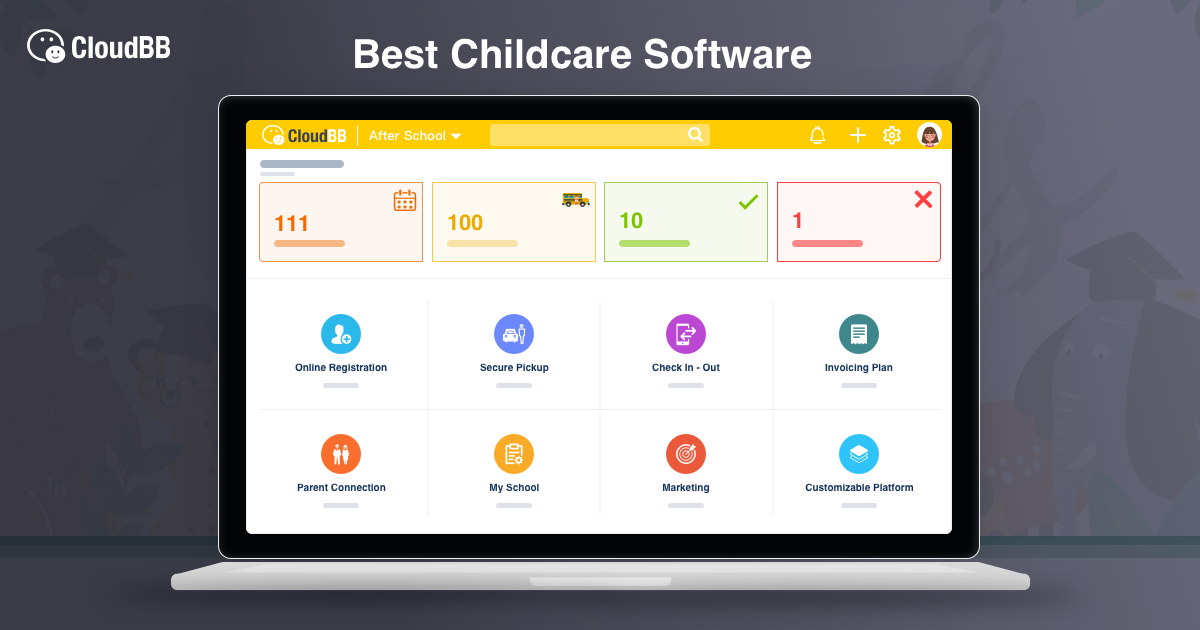
1) CloudBB platform is an all-in-one childcare and after school management solution with “My School” feature that can help to manage after schools, daycare centers and even summer camps. More can be reachable for various needs:
√ Manage all student, family, enrollment, and pickup plan data.
√ Assign rooms to track where students and staff are signed into.
√ Push classes on your online registration page for systematic class management.
√ Send reports for pickups, attendances, and more.
√ Assign different roles and profiles to staff.

2) CloudBB offers a secure student pick-up system. Any change to the status of a student made by authorized staff of the school can be assessed by the parents and driver seamlessly. This enables full transparency when carrying out the pickups so that parents can rest assured.

3) Parents can easily keep in the loop with the child’s activities throughout the day by viewing real-time photos, videos and notes posted by teachers with such a fully comprehensive after-school solution. This contributes to mitigating the communication gap among the stakeholders.

4) CloudBB offers the freedom to tailor the platform to cater to your unique needs. Simply drag and drop applications to manage your school’s information. You do not need any coding knowledge. Furthermore, you can build any number of customized online registration forms and display them on your school’s website to boost preschool enrollment.


5) You can create and adjust recurring invoice plans to adapt to whatever new development may arise. CloudBB can also calculate tuition and pickup fees based on the attendance days instantly.